
Accept donations with Tap to Pay on iPhone and Android.
The Donatefy Mobile App turns your team's compatible phones into giving points. No readers, no cables.


- Contactless cards and phone wallets
- No reader and no cables
- One-time and recurring gifts
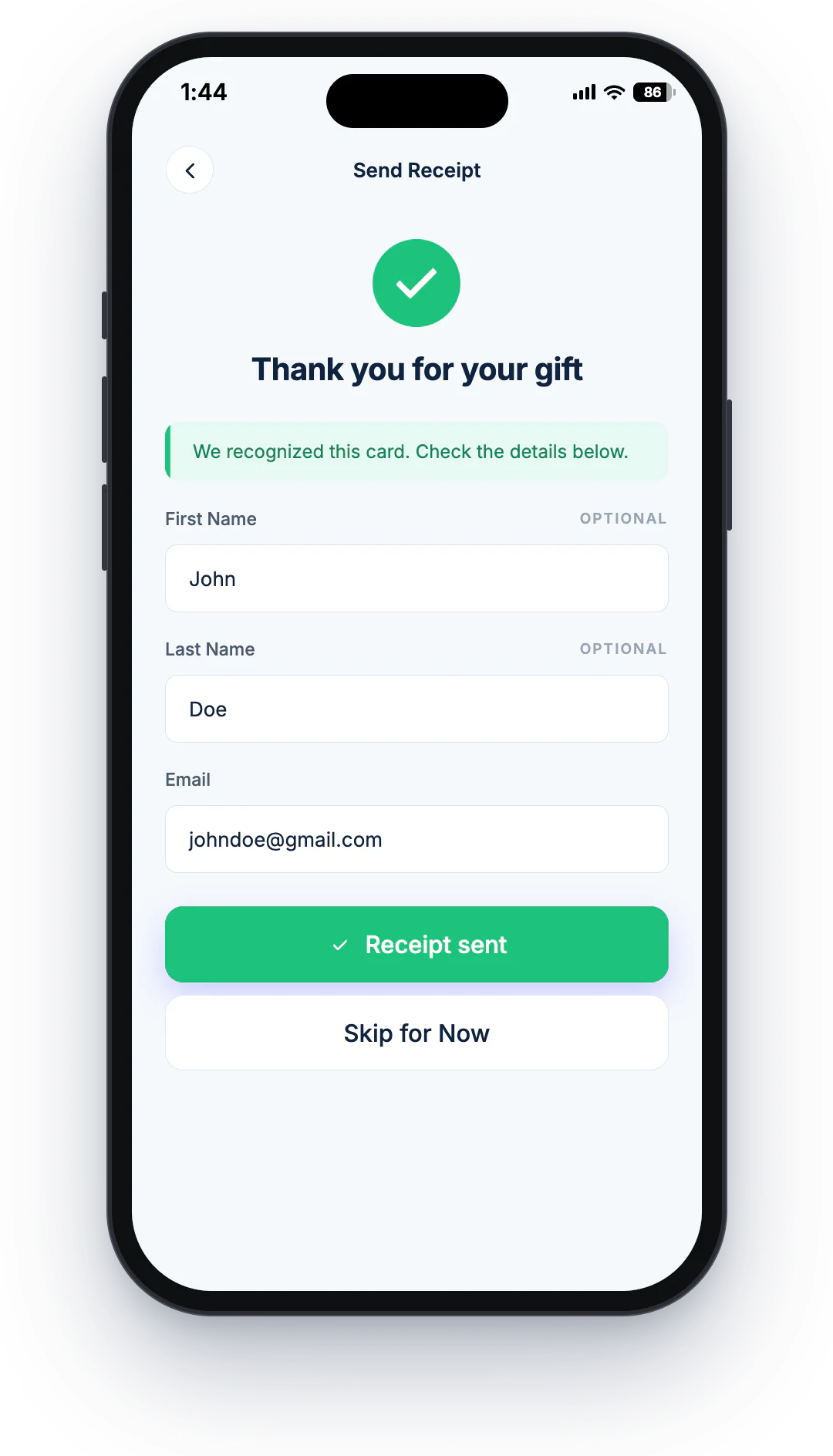
- Automatic branded receipts
Tap cards and every major wallet, no extra hardware







Open the app, pick the campaign, accept the tap
Tap to Pay on iPhone and Tap to Pay on Android let a compatible phone accept contactless cards and phone wallets, no separate reader needed. Your team opens the Mobile App and picks a campaign or Quick Donation amount, and the donor taps a card or phone. The gift is receipted automatically and recorded in the same ledger as your kiosks and giving site.
- Works on compatible iPhone and Android phones
- One-time and recurring giving in the field
- Your campaigns and Quick Donation amounts
- 2 phones on Starter, unlimited on Growth and Enterprise
The lightest way to start collecting in person
For moments that move faster than a fixed setup, and for teams not ready to buy hardware yet.
Pop-up campaigns
Emergency drives and spontaneous moments where setup time is zero.
Volunteer fundraising
Volunteers with compatible phones become giving points, unlimited on Growth plans and above.
Events & drives
Roam the crowd instead of waiting behind a table.
Mobile teams
Field staff collect wherever the work happens, with receipts handled.
Hardware-free start
Begin in-person giving before you invest in kiosks or readers.
Faith gatherings
Special services and community events, beyond the lobby kiosk.
Same platform, no matter how small the setup.
Mobile App gifts join the same donor records, recurring plans, receipts, and dashboards as your kiosks and giving site. Field fundraising stops being a separate spreadsheet.
 One platform
Questions about the Mobile App and Tap to Pay on iPhone and Android
New to contactless giving? Read why tap-to-donate giving works.
Which devices work?
Is a donation made by tap recorded like any other gift?
When should we choose a dedicated device instead?
Can the Mobile App take recurring gifts?
How many phones can run the Mobile App?
Your next drive could start this week.
See the Mobile App working alongside the rest of the platform.