
Accept in-person donations the moment someone decides to give.
Lobby kiosks, handheld readers, and phones running the Mobile App. Cashless giving wherever your community gathers.
Four ways to accept donations in person
Take gifts wherever people gather: a lobby, a service, a gala, or a drive. Every one lands in the same ledger as your online giving.
Read about micro-moment giving and why timing matters.
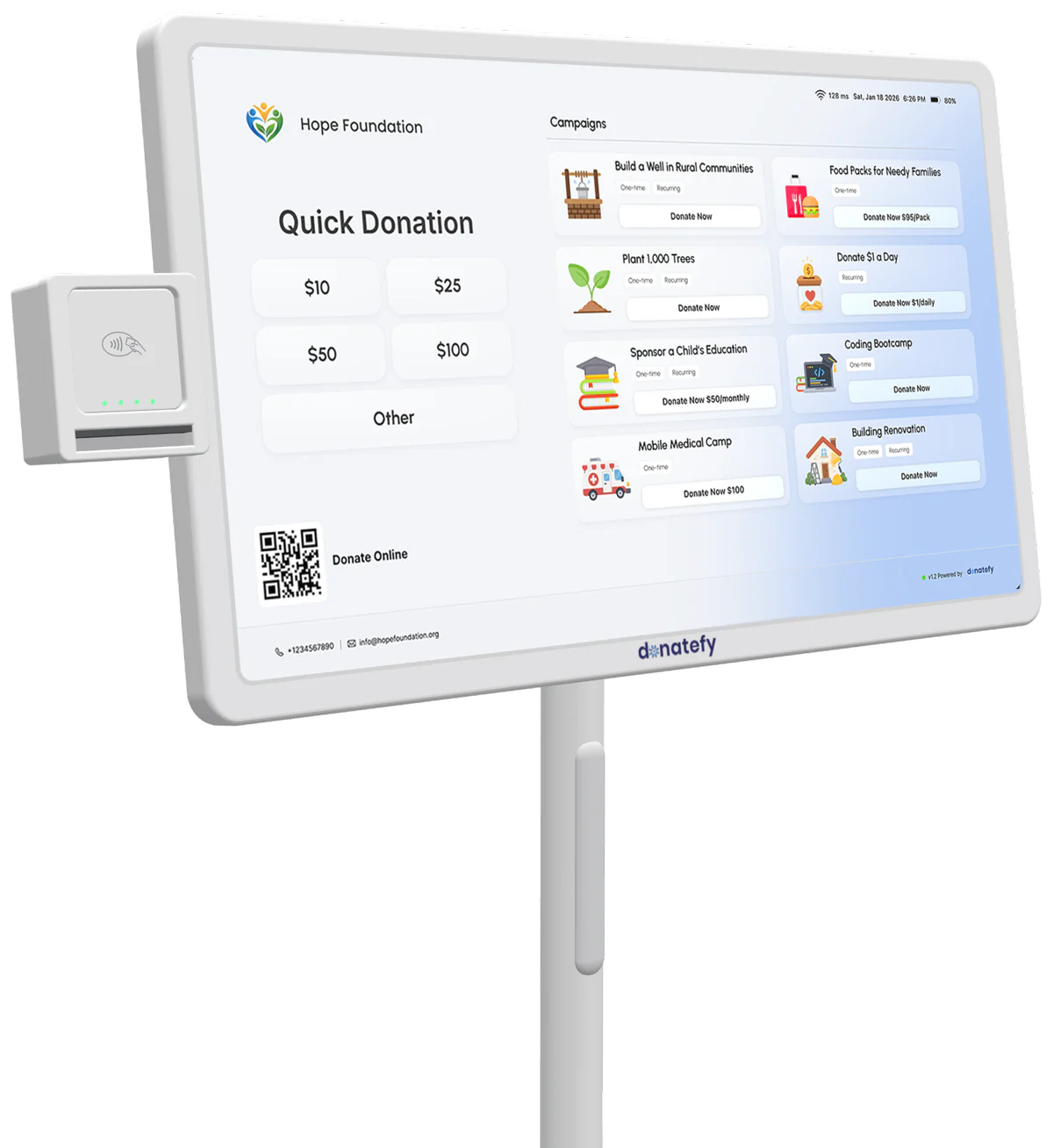
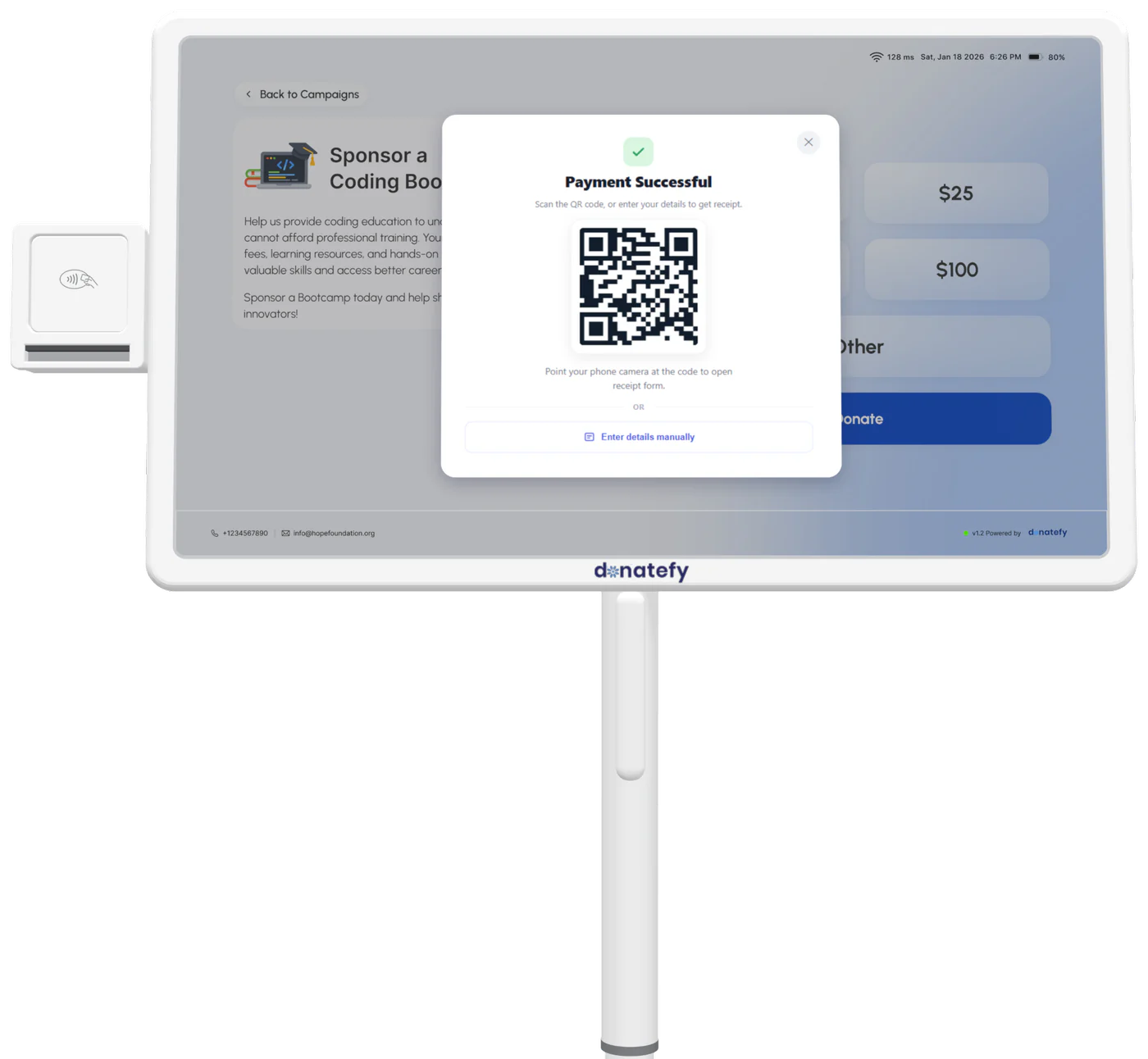
Floor-standing Smart Donation Kiosk
Battery-backed for flexible placement in lobbies, halls, and high-traffic spaces.
- Rolling base
- Up to 8-hour battery
- Card and contactless
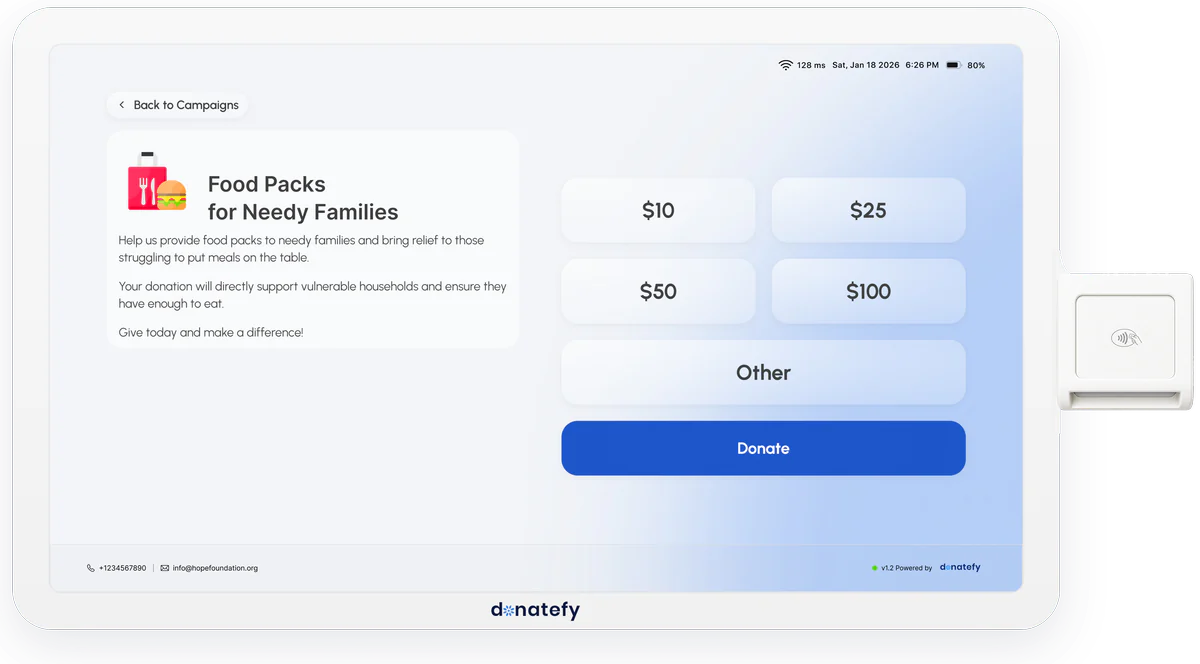
Wall-mounted Smart Donation Kiosk
The same giving experience as a clean, permanent installation that uses no floor space.
- Wall-mounted
- No floor space
- Card and contactless
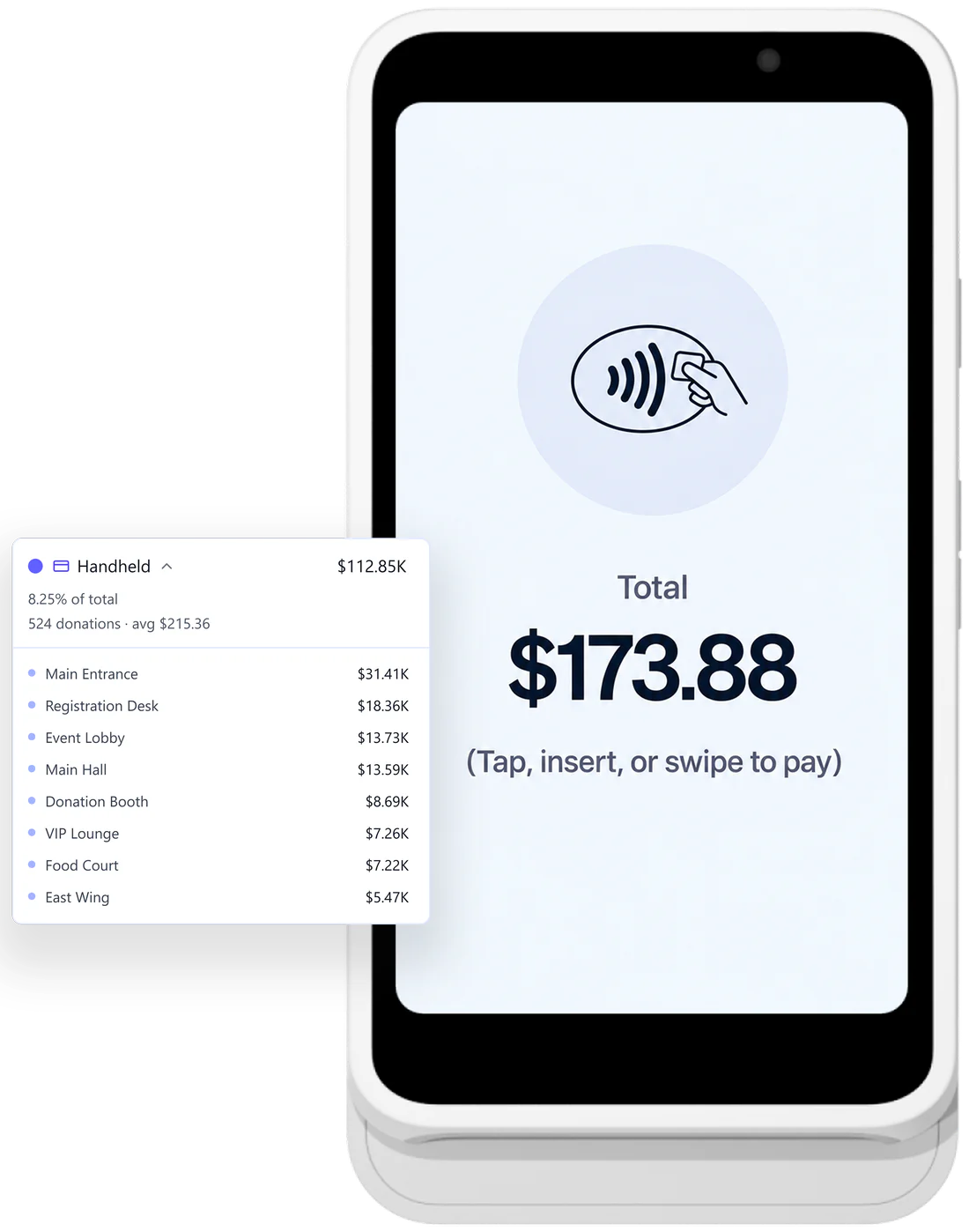
Stripe Reader S700 and S710
The Stripe Reader S700 and Stripe Reader S710 are made by Stripe and provisioned by Donatefy with your campaigns, for banquets, fundraising tables, conferences, and volunteer outreach.
- Hand to hand
- 4G LTE on the S710
- Tap, chip, swipe
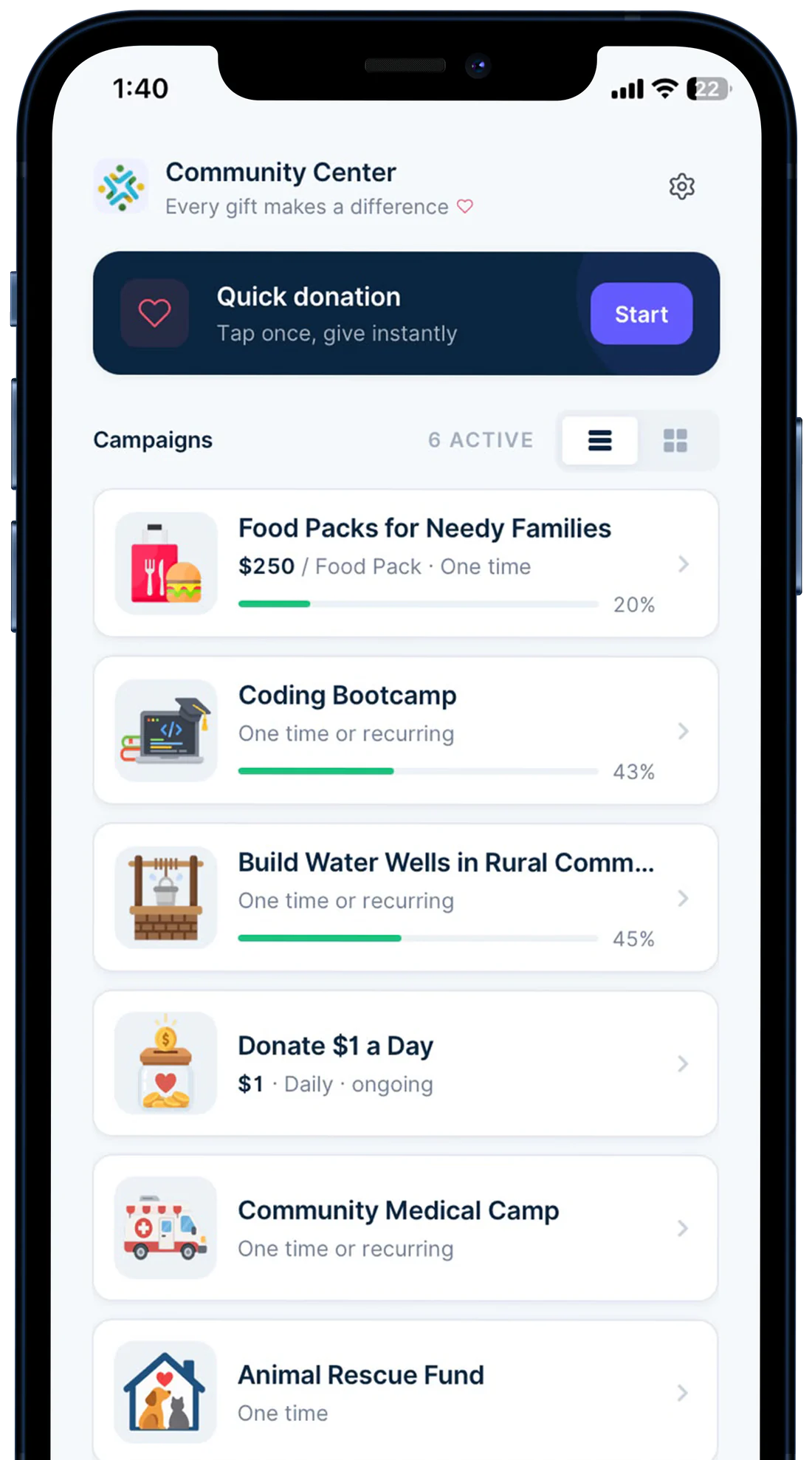
Mobile App for iPhone and Android
Staff and volunteers accept contactless donations with Tap to Pay on iPhone and Tap to Pay on Android, on compatible phones they already carry. Same campaigns, same ledger. The lightest way to start collecting in person.
- Your team's phones
- No reader
- Cards and wallets
Which in-person option fits?
Every option runs the same campaigns and records to the same ledger. Pick by where people give and how you want to pay for it.
| Detail | FS-22 | WM-22 | S700/S710 | Mobile App |
|---|---|---|---|---|
| Placement | ||||
| Format | Floor-standing kiosk | Wall-mounted kiosk | Handheld reader | App on compatible phones |
| Best for | Lobbies, halls, high-traffic spaces | Entrances, hallways, fixed giving points | Tables, banquets, events, outreach | Pop-up drives, volunteers, a hardware-free start |
| Hardware | ||||
| Payments | Card and contactless reader | Card and contactless reader | Tap, chip, swipe, and PIN | Tap cards and phone wallets |
| Connection | Your building's Wi-Fi | Your building's Wi-Fi | Wi-Fi, and the S710 adds 4G LTE | The phone's own connection |
| Cost | ||||
| Price | $1,000 one-time | $700 one-time | $349 provisioned | Included: 2 phones on Starter, unlimited on Growth and Enterprise |
| Device allowance | Counts as 1 device | Counts as 1 device | Counts as 1 device | Never counts |
A walk-up donor becomes a monthly donor, in one visit
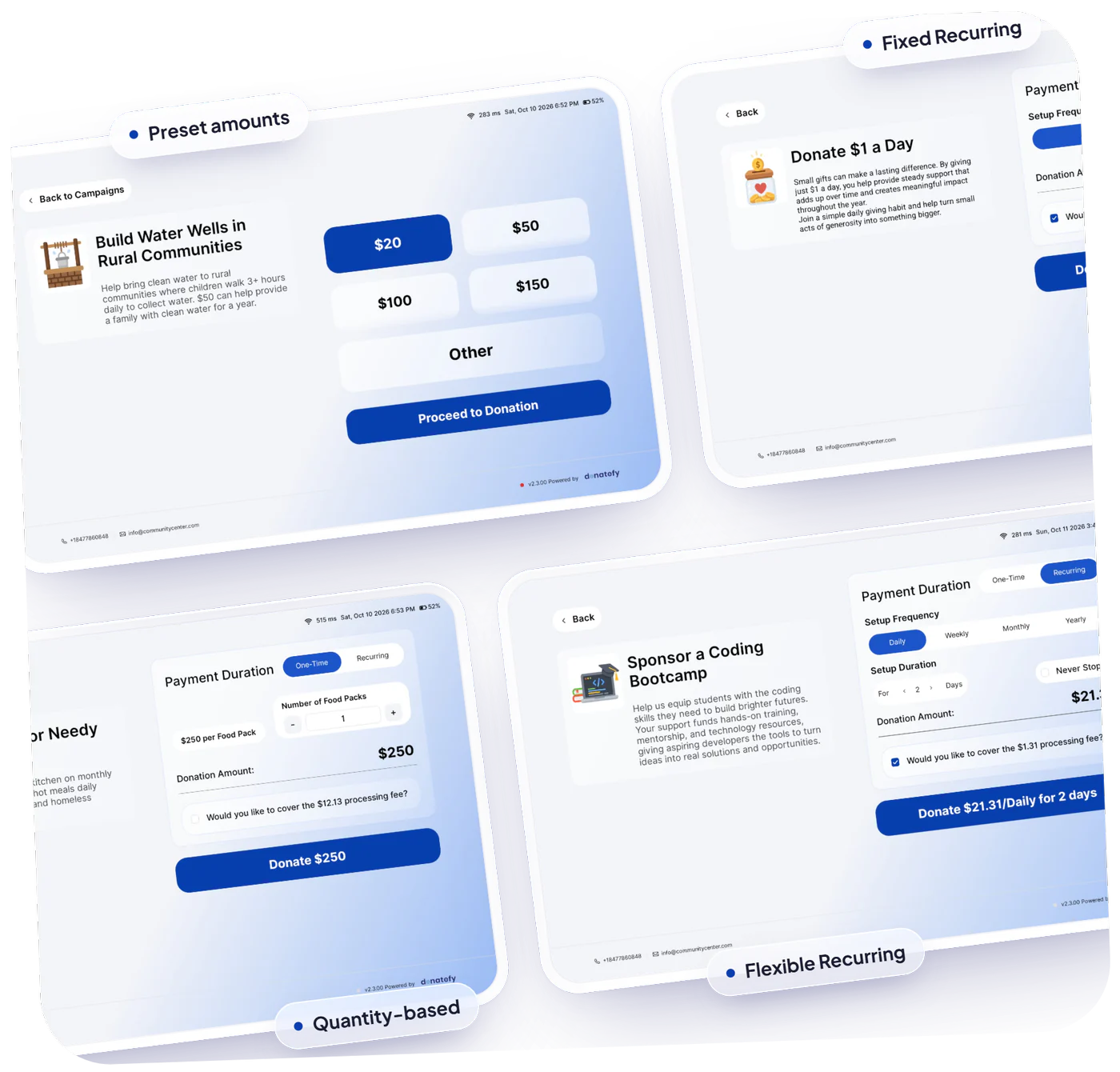
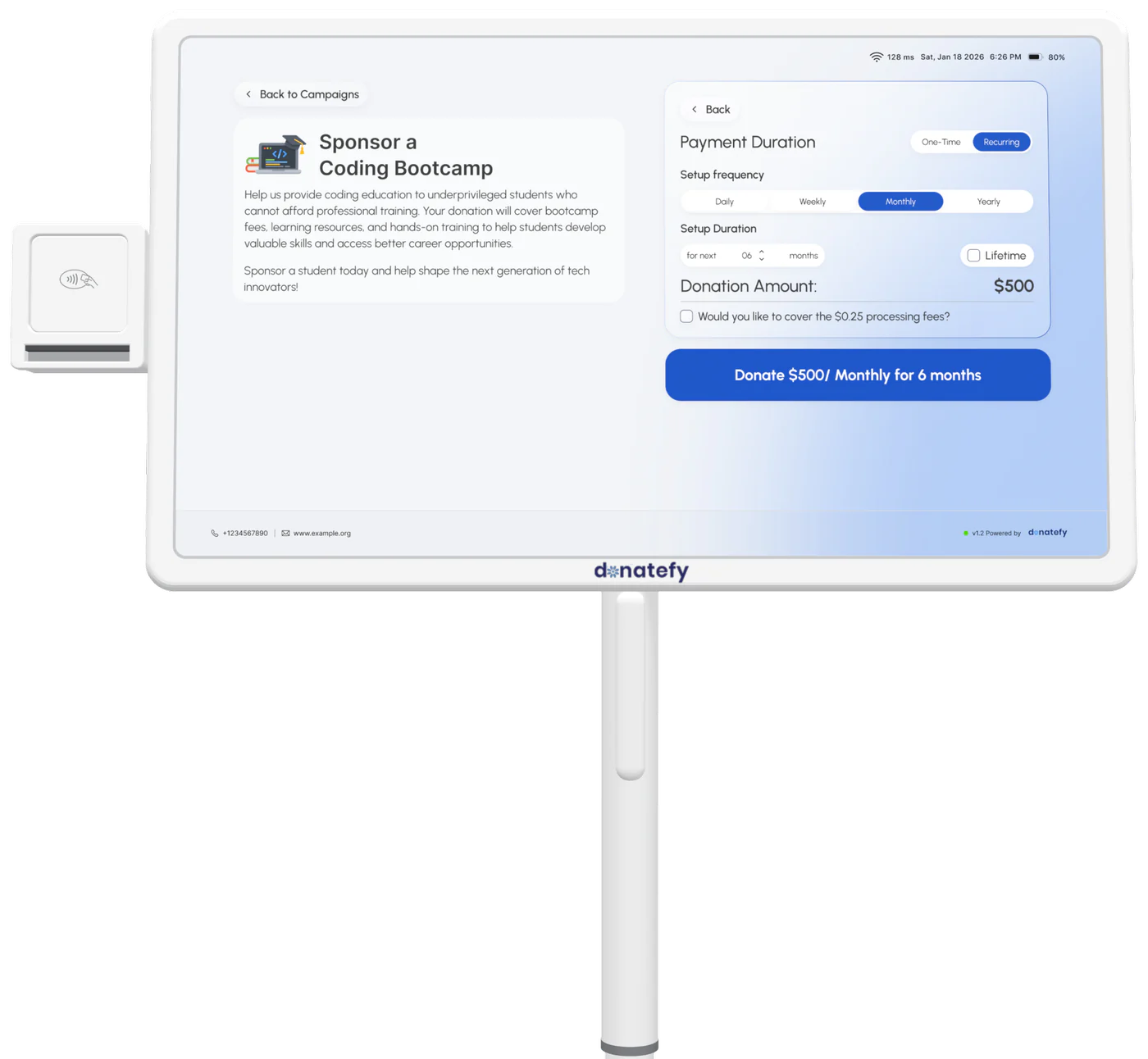
Kiosk giving is not limited to one-time gifts. A donor standing in your lobby can start a recurring plan with a card tap, pick the frequency, and get a receipt by email. Sustainer programs stop being an online-only idea.
- One-time and recurring on every device
- Preset Quick Donation amounts or custom entry
- Automatic confirmation and branded receipt
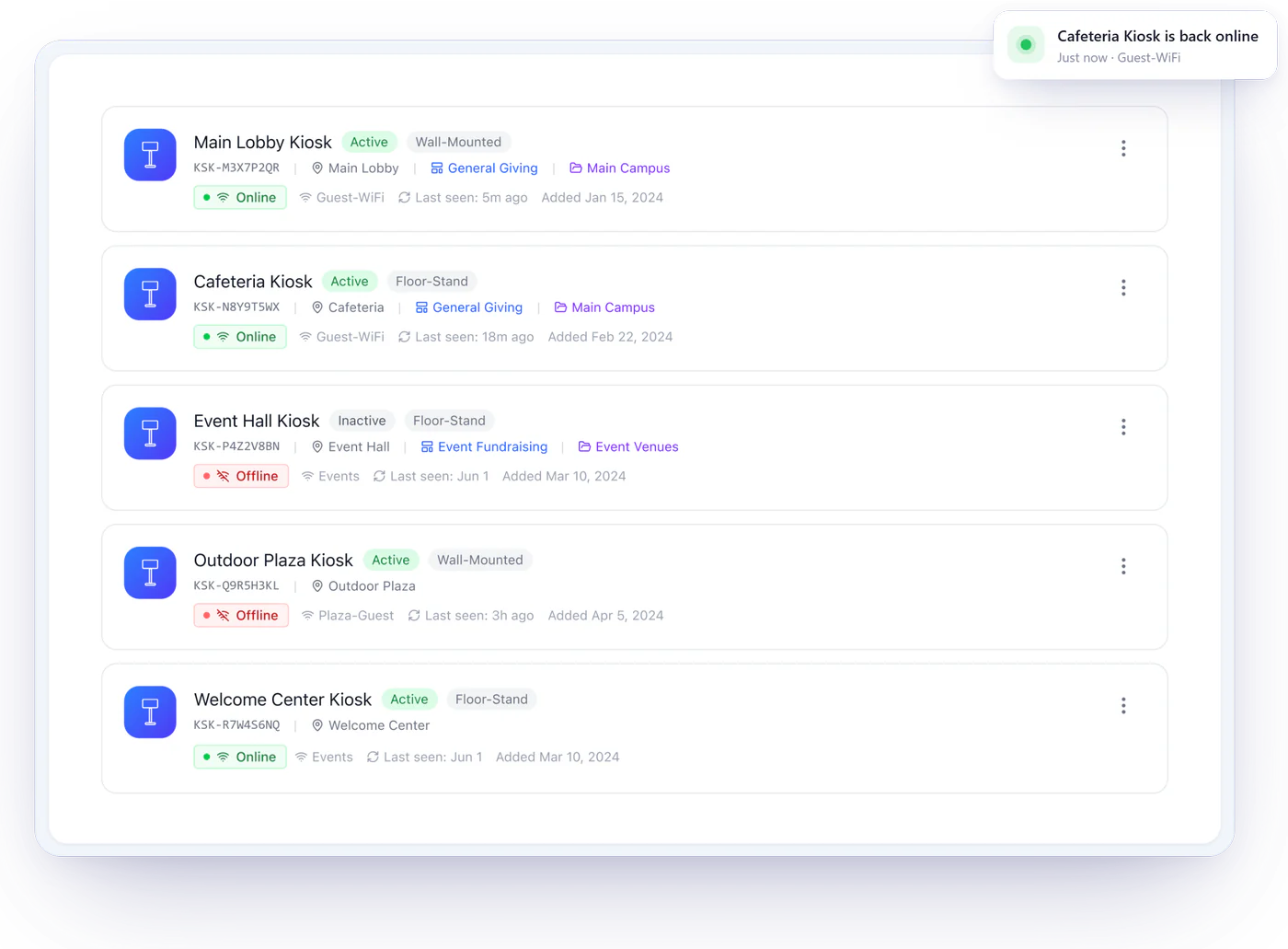
Devices you can see, support you can call
The Admin Portal shows your fundraising devices with their status, reader connection, recent activity, campaign assignment, and donation totals by device. Donatefy provides remote setup assistance and troubleshooting, so a quiet kiosk gets noticed and fixed instead of discovered weeks later.
- Device status and reader-connection visibility
- Donation totals per device, per campaign
- Remote setup and operational support
Where organizations put in-person giving to work
Worship spaces
Kiosks in the foyer for weekly giving; the Mobile App at special gatherings and drives.
Museums & attractions
Turn daily foot traffic into supporters at entrances and exhibit exits.
Events & banquets
Handheld readers table-to-table; a kiosk at the entrance for arrivals.
Schools & campuses
Giving points at offices and events, connected to the same campaigns.
Community outreach
Volunteers collect with the Mobile App wherever the work happens.
Relief drives
Stand up a campaign in minutes; collect at the site and online at once.
In-person fundraising questions
Planning in-person giving? Read the donation kiosk buyer's guide.
Do we rent in-person giving hardware or own it?
What happens if a kiosk has a problem on a busy day?
Can in-person donors give recurring gifts?
Do in-person donations get receipts?
Which plans include in-person giving?
Can we accept in-person donations away from Wi-Fi?
Put a giving point where your donors already are.
Compare kiosk formats, handhelds, and the Mobile App with someone who has deployed them.